 Kadr
Lossless Scaling for consoles and Mac: 60 fps on PS5, Xbox and Switch for free
Lossless Scaling is a popular frame generation app for PC games. People also look for it for consoles — to make GTA 6, RDR 2 and other 30 fps games on PS5 feel smooth. Here's how to do it on Windows and on Mac, and where Lossless Scaling fits and where it doesn't.
Why you can't just plug a console into a laptop
A laptop's HDMI port is almost always output-only: it sends the picture to a monitor but can't receive one. So a cable from your PS5 into the laptop shows nothing. You need a capture card — a small box with HDMI in and USB out. Your computer sees it as a webcam showing the console.
Any USB (UVC) capture card works: UGREEN, Fifine, Elgato, AVerMedia, ASUS and cheap no-name ones. For playing, pick one that captures 1080p or 1440p at 60 fps. On PS5, turn off HDCP (Settings → System → HDMI) or you'll get a black screen.
Option 1: OBS + Lossless Scaling (Windows only)
- Open the capture card in OBS and show it in a full-screen projector.
- Run Lossless Scaling on top of the projector window and turn on frame generation (LSFG).
- Set up the capture card audio so it stays in sync with the picture.
It works and many people do it. The downsides: two apps to set up together; latency adds up from the OBS projector and frame generation; and it won't work on Mac — Lossless Scaling is Windows-only (and Linux through a third-party plugin). It also costs about $7 on Steam.
Option 2: Kadr (Windows and Mac)
Kadr is built for exactly this — playing a console on your computer screen:
- Capture card viewer, full screen, in sync with your display, no OBS. About 41 ms card-to-screen on a MacBook Pro with an ASUS CU4K30 at 1440p.
- 30 → 60 fps frame generation. On Mac — Apple's frame interpolation (macOS 26, Apple Silicon); on Windows — the RIFE neural network (DirectX 12 GPU). Games already at 60 fps pass through untouched.
- HDR+ — only light sources get brighter: lamps, fire, the sun. The HUD and white text don't blow out.
- Recording and streaming to Twitch, YouTube or RTMP — with webcam, mic and chat, also without OBS.
Comparison
| Lossless Scaling + OBS | Kadr | |
|---|---|---|
| Console through a capture card | yes, two apps | yes, one app |
| Mac | no | yes |
| Games running on the PC | yes | no |
| HDR for SDR games | no | yes |
| Streaming with webcam and chat | through OBS | built in |
| Price | about $7 | free beta until November 30, 2026 |
Will GTA 6 or RDR 2 run at 60 fps?
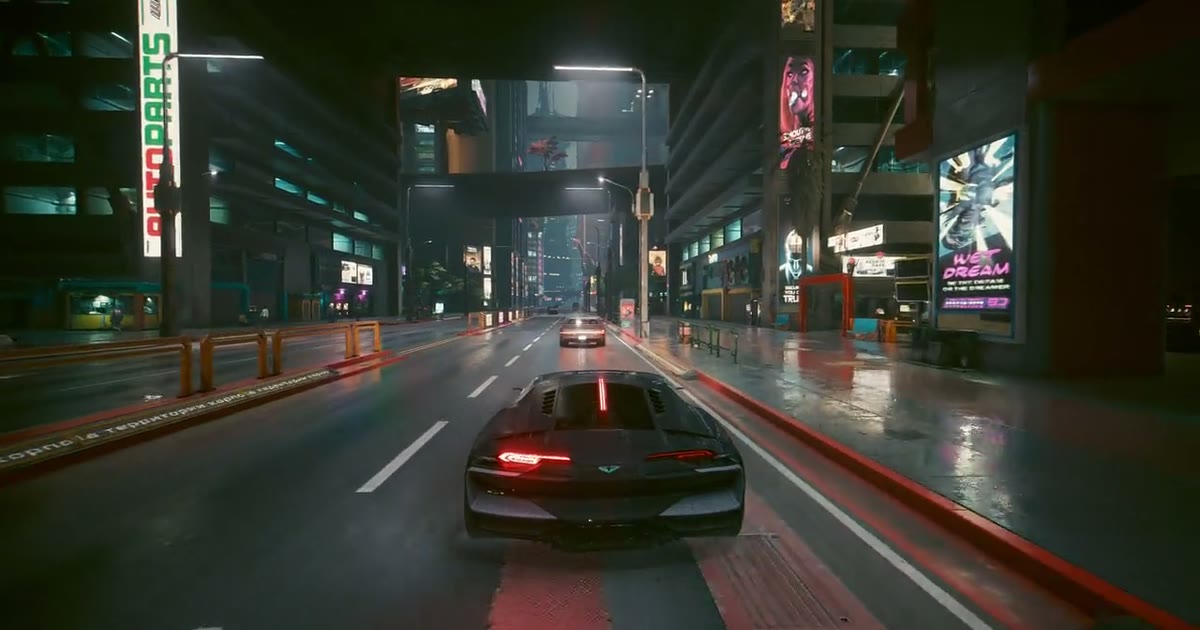
On consoles GTA 6 launches at 30 fps, and RDR 2 on PS5 runs the PS4 version — also 30. Frame generation makes motion on screen look like 60 fps. Keep in mind: the game itself still runs at 30 fps, and latency goes up — on Mac from about 41 to 77 ms card-to-screen. Great for story games; for competitive shooters, turn frame generation off.
Which one to pick
- You play games on a Windows PC and want more fps — Lossless Scaling.
- You play a console on a laptop, Mac or PC through a capture card — Kadr: one app, works on Mac too, free during the beta.
Lossless Scaling belongs to its developers; Kadr is not affiliated with them. Game and console names belong to their owners.
Questions
Can I use Lossless Scaling with a PS5?
Yes, but only on Windows, together with a capture card and an app to show it, such as OBS. Kadr does the same in one app and also works on Mac.
Is there a free Lossless Scaling alternative for consoles?
Kadr: 30 → 60 fps frame generation for the capture card picture, free during the beta until November 30, 2026, for Windows and macOS. It doesn't work for games running on the PC itself.
Does Lossless Scaling work on Mac?
No, Lossless Scaling is a Windows app. On Mac, for a console through a capture card, you can use Kadr: frame generation works on Apple Silicon with macOS 26.
What GPU does Kadr need for frame generation?
On Windows — a DirectX 12 GPU (tested on a GeForce RTX 5070 Ti). On Mac — Apple Silicon and macOS 26.